If you are building a website for your business, one of the most important questions is how customers will actually pay you.
A lot of small business owners focus on the design, the products, or the service pages first. That makes sense. But the payment part matters just as much. If the checkout feels confusing, limited, or unreliable, people may leave before completing their order or enquiry.
The good news is that accepting payments on your website is much easier than many beginners expect. You do not always need a complicated custom system. In many cases, a simple and well chosen payment setup is enough to get started.
This article explains the main options, what to think about before choosing, and how to keep things simple while still looking professional.
STEP 1: DECIDE WHAT KIND OF PAYMENTS YOU NEED TO ACCEPT
Before choosing a payment provider, it helps to be clear about what your business actually needs.
Some businesses only need to accept one off payments for products or services. Others need deposits, invoices, booking payments, or recurring subscription payments. A small online shop usually needs a proper checkout. A service business may only need a simple payment link or invoice option.
This is where many people overcomplicate things. They start comparing every payment provider on the market before they have even decided what type of payment flow suits their business.
A better starting point is to ask:
- Are you selling products or services?
- Do customers need to pay instantly on the website?
- Do you need a full checkout or just a payment link?
- Will you send invoices manually?
- Does your current website already have a checkout, booking payment or invoice flow?
The more clearly you answer these questions, the easier it becomes to choose the right setup.
STEP 2: CHOOSE A PAYMENT OPTION THAT MATCHES YOUR WEBSITE
For many small businesses, the simplest payment options are also the most practical.
According to Stripe's official documentation, businesses can accept payments using a prebuilt checkout page, payment elements, or hosted Payment Links. That makes Stripe a strong option for businesses that want flexibility without building everything from scratch. You can read more in Stripe Payments and Stripe Payment Links.
PayPal is also widely used and can work well for businesses that want customers to recognise a familiar brand at checkout. PayPal's official developer documentation explains that businesses can use PayPal Checkout and also offer invoicing, subscriptions, and other payment capabilities. See PayPal Checkout and PayPal Developer.
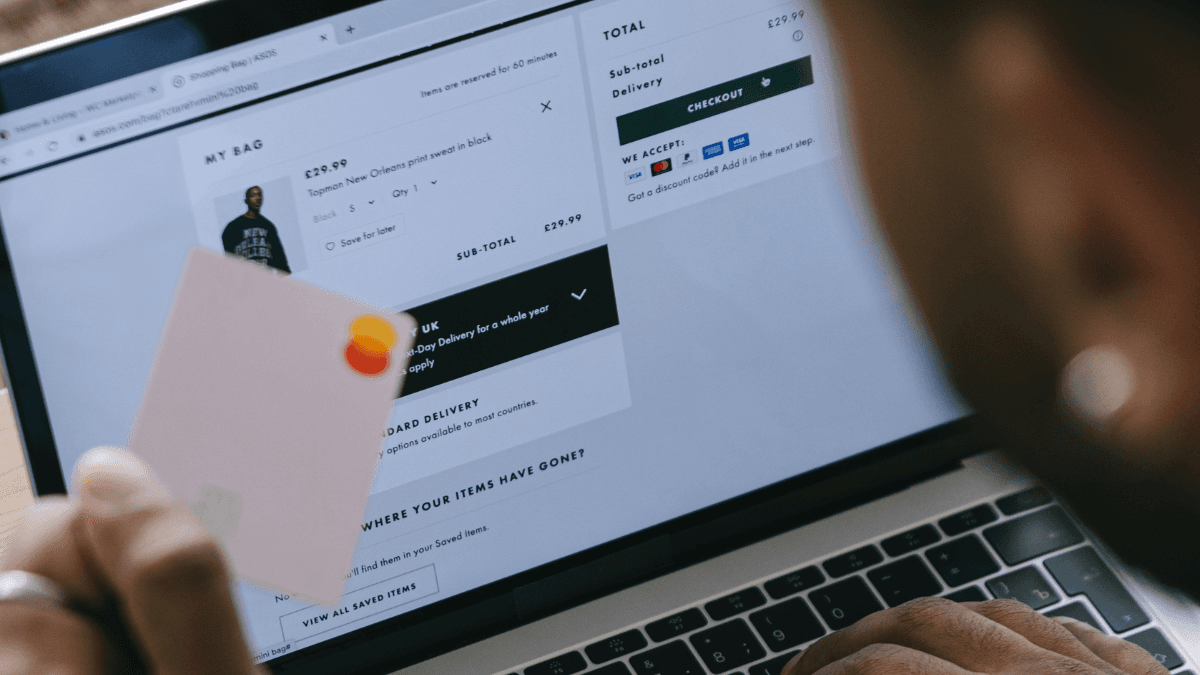
For product sales, the best payment setup usually combines a clear checkout flow with a reliable provider, sensible confirmation emails and a simple way to track orders.
The best option is not always the one with the most features. It is the one that fits your website setup, your business model, and your current stage.
STEP 3: KEEP THE CUSTOMER JOURNEY SIMPLE
A payment system should make the buying process easier, not more complicated.
This matters because customers make decisions quickly. If they click to buy and then face too many steps, unclear payment choices, or a checkout that feels unfamiliar, they may drop off.
A good payment setup usually does three things well:
- it feels trustworthy
- it is easy to understand
- it works smoothly on mobile as well as desktop
That is why many small businesses do best with a simple checkout, a small number of payment choices, and a clear next step after payment.
If you are selling through a website for the first time, it is often better to launch with one reliable setup than to delay everything while trying to build the perfect checkout experience.
STEP 4: REMEMBER THE PRACTICAL SIDE OF GETTING PAID
Taking payments is not only about technology. It is also about basic business process.
GOV.UK explains that if you sell a product or service, invoicing rules and payment obligations can apply, especially in business to business situations. The government guidance also notes that invoices need to include key information such as how much the customer must pay and when payment is due. You can read more in Invoicing and taking payment from customers and Payment obligations.
That does not mean every small business needs a complicated finance system from day one. It does mean you should think clearly about:
- when customers are expected to pay
- whether payment is upfront or later
- whether you are sending invoices
- how you record payments properly
A payment system works best when it fits into a clear business process.
STEP 5: CHOOSE BASED ON YOUR BUSINESS STAGE, NOT JUST FEATURES
It is easy to get distracted by payment provider comparisons, advanced tools, and feature lists.
But for most beginners, the real question is much simpler: what is the easiest way to let customers pay you confidently?
If you are starting small, you may not need a highly customised solution. You may only need:
- a reliable payment provider
- a clear checkout
- a professional looking website
- a setup that is easy for you to manage
If you are selling products, Stripe, PayPal or a card payment provider may each make sense depending on your checkout and customer journey. If you are offering services, payment links, invoices, or a simple booking payment setup may be enough.
The strongest setup is usually the one you can launch, manage, and explain clearly to customers.
FINAL THOUGHTS
Accepting payments on your website does not need to be complicated.
For many small businesses, the best approach is to choose a payment setup that matches the way the business actually works, keeps the customer journey simple, and feels easy to manage from the start.
A reliable payment option helps you do more than just get paid. It helps your business look more professional, creates trust at the point of checkout, and removes friction from the buying process.
If your website is supposed to support growth, the payment experience should feel just as clear as the rest of the business.
NEED HELP GETTING STARTED?
If you are building a business website or online shop and are not sure which payment setup makes sense for your business, Setup Focus can help.
Whether you need a simple website, a small online shop, or a more practical checkout setup, the goal is the same: make it easier for customers to buy from you and easier for you to manage your business online.